One Missing Google Docs Feature Has A Pretty Easy Workaround
Key Takeaways
- Google Docs lacks a native dark mode on the web, despite it being available on mobile since 2020.
- The experimental 'Auto Dark Mode' flag in Chrome carries potential security risks for browser data.
- Third-party browser extensions offer customizable dark mode settings, including automatic disabling for document printing.
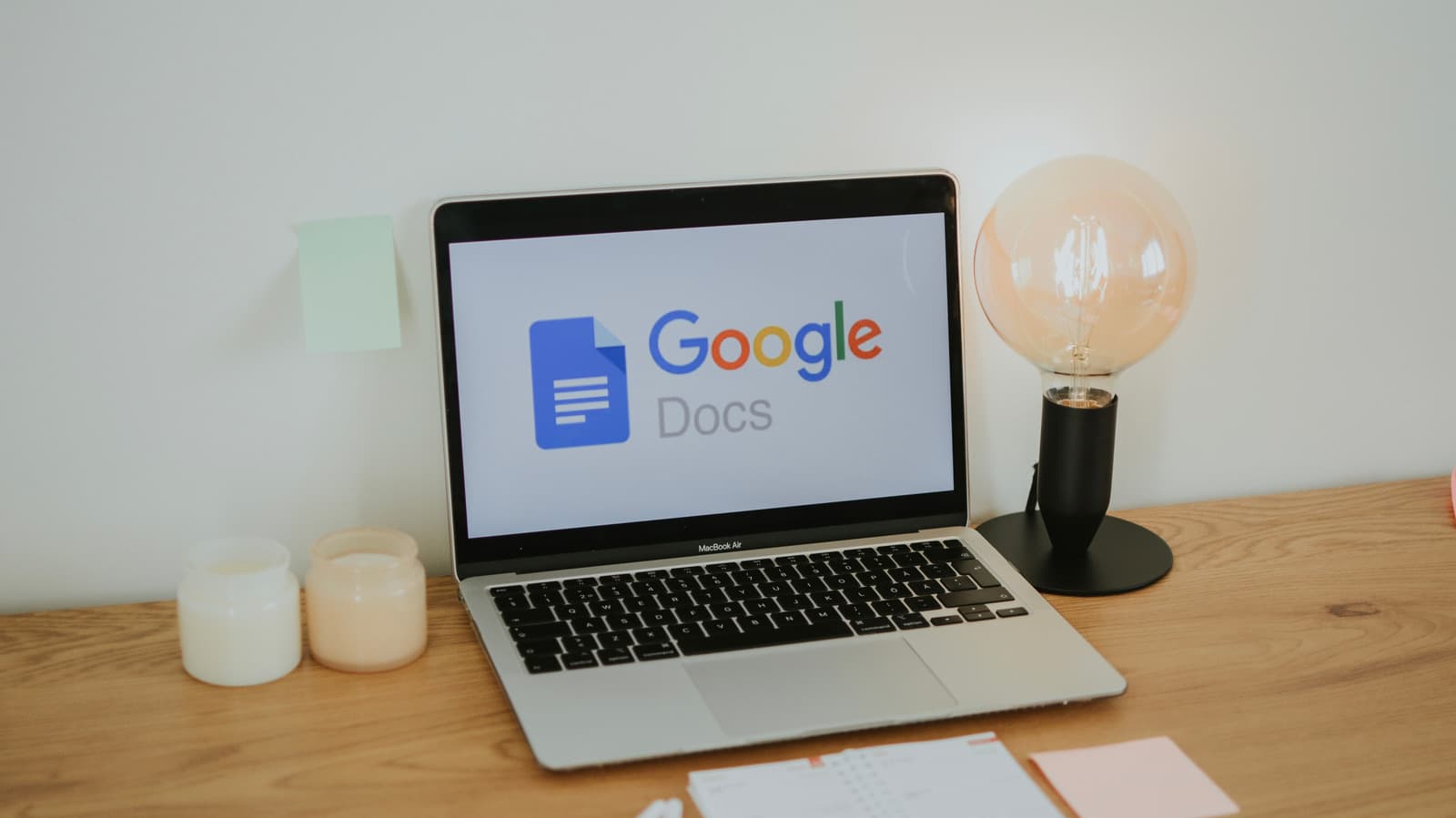
OPA WIRE, Oct 3 (OPA) — Google Docs remains a cornerstone of digital productivity, constantly evolving with AI-driven Gemini integrations and frequent feature updates. Despite its seamless cross-platform functionality, the application suffers from a glaring inconsistency: the absence of a native dark mode on its web-based interface. While mobile users have enjoyed a dark theme for years, desktop users are left staring at a bright white screen, forcing many to seek external solutions to reduce eye strain during long writing sessions.
Google officially introduced dark mode to its mobile applications in 2020, allowing users to toggle between Light, Dark, and System Default themes via the settings menu. On the web, however, the company has remained silent regarding a native implementation. The only official, albeit experimental, route involves navigating to chrome://flags and enabling 'Auto Dark Mode for Web Contents.' Google warns that this experimental toggle is not a finished product and could potentially compromise browser data or device security, making it a risky choice for casual users.
Historically, the divide between mobile and web feature parity has been a point of contention for power users. While Microsoft Word offers a more consistent experience across platforms, Google Docs has prioritized mobile-first development in recent years. This strategic focus has left the web browser version—the primary workspace for millions of professional writers and students—lacking basic aesthetic customization options that have become standard in modern software design.
For those unwilling to risk experimental browser flags, third-party extensions offer a robust and safer alternative. Tools like 'Google Docs Dark Mode' from the Chrome Web Store or 'DocsAfterDark' for Firefox provide immediate relief. These extensions are highly customizable, allowing users to adjust sepia tones, contrast, grayscale, and brightness levels. Furthermore, these tools are designed to be intelligent, automatically disabling the dark mode when a document is sent to a printer, ensuring that the user's digital workspace does not interfere with physical output.
Looking ahead, the demand for a native web-based dark mode is unlikely to wane as digital wellness becomes a priority for software developers. While Google continues to focus on AI-powered content creation, the integration of basic UI preferences remains a critical oversight. Until Google officially updates the web interface, browser extensions will continue to bridge the gap, providing the necessary visual comfort for the millions of users who rely on the platform for their daily professional and academic tasks.
Subscribe to the Global Briefing
Receive our flagship executive dispatch every morning. Essential geopolitical analysis, financial benchmarks, and breaking world events delivered to your inbox.
Mohammad Karamali
Verified Wire ContributorSenior correspondent covering geopolitics, regional developments, and strategic international affairs for OPA News (Optimum Public Affairs).
Related Stories & Follow-ups
Editorial Wire Technology
FEMA Alert Test Sparks Panic Amid Widespread Tech and Banking Outages
 Technology
Global Microsoft Outage Disrupts Critical Services Worldwide as 48-Hour Recovery Begins
 Technology
Nvidia Faces Global Crisis Following Shock Resignation of CEO Jensen Huang
Reader Discussion
Leave a Comment
0 Comments
Owner
Editorial Oversight & Machine-Assisted Reporting
Human-in-the-Loop VerifiedEditorial Oversight & Machine-Assisted Reporting: This dispatch was synthesized and localized via OPA automated intelligence under continuous human editorial supervision.
Wire Source
This report was synthesized from Engadget under journalistic fair use.