
Comprehensive Guide to Diagnosing and Fixing Distorted Audio on PlayStation 5
Key Takeaways
- Full system power cycles and direct HDMI connections effectively isolate hardware-specific audio faults.
- Selecting uncompressed Linear PCM output preserves audio quality, but multichannel support requires HDMI eARC rather than standard ARC.
- Improper 3D Audio profiles can cause muffling, requiring recalibration via the DualSense controller microphone.
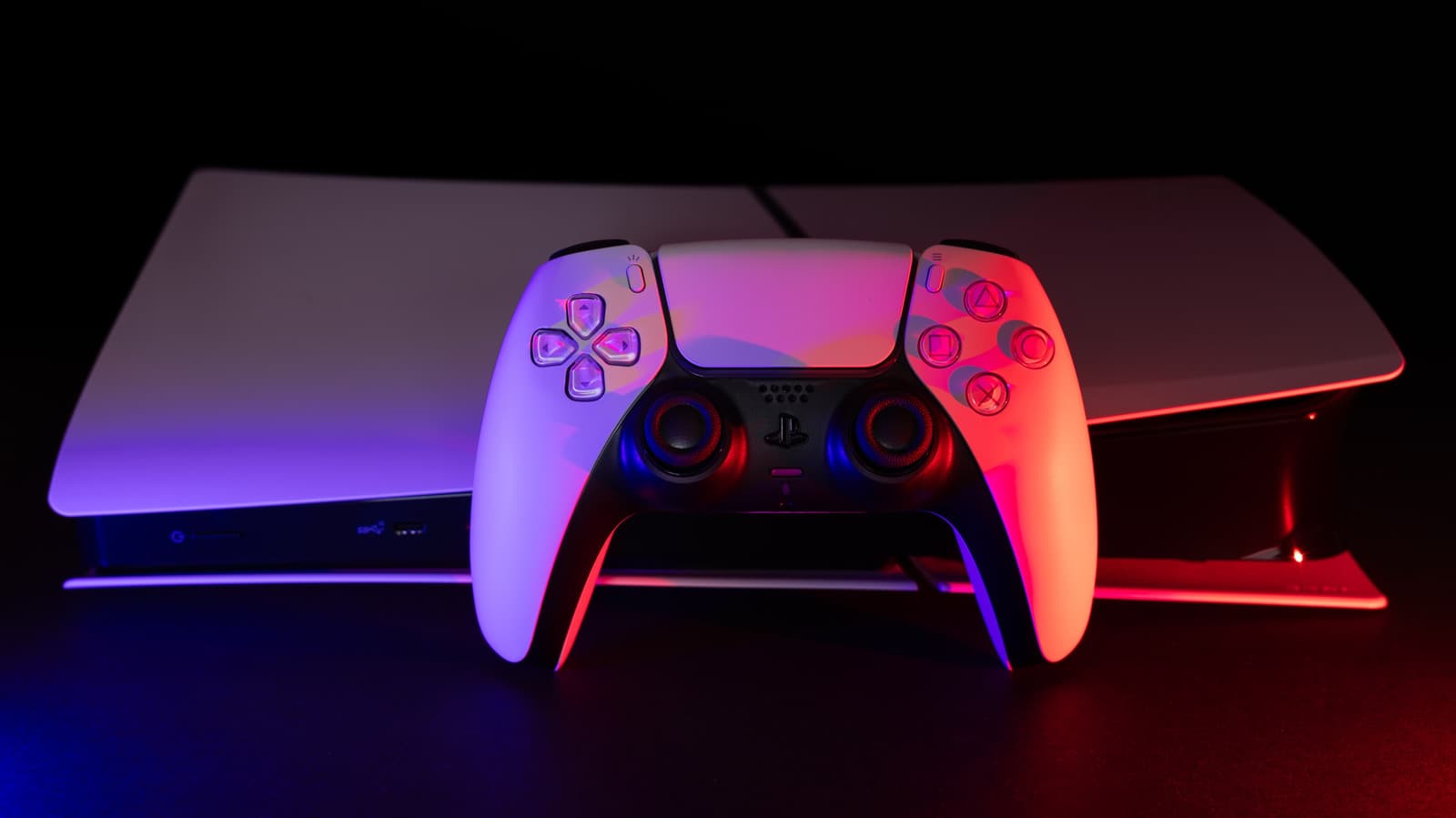
OPA WIRE, Oct 6 (OPA) — Audio degradation on the PlayStation 5, ranging from crackling and muffled effects to complete signal dropouts, poses a frequent hurdle for console owners. Resolving sound anomalies requires systematic isolation of hardware connections, internal settings, and external acoustic profiles. Users are advised to avoid immediate hardware replacements and instead systematically test connection paths, alternate ports, and system configurations to identify points of failure across their home entertainment chains.
Initial diagnostics begin with a full power cycle of the console, display, and sound system to eliminate temporary software glitches. Testing alternative inputs, spare HDMI cables, and native television applications isolates whether the disturbance stems from the console itself or peripheral equipment. When routing audio, direct connections to TV panels help rule out issues caused by intermediate hardware such as audio-video receivers, HDMI switches, or capture cards that frequently introduce audio signal noise.
Software configurations inside the PS5 console frequently mismatch downstream audio capabilities. By navigating to the system's Sound settings, players can configure device profiles to reflect their exact setup, whether internal TV speakers or multi-channel AV amplifiers running 5.1 or 7.1 surround sound. For optimal fidelity, selecting uncompressed Linear PCM maintains full dynamic range without lossy compression. Users running audio return channel connections must confirm whether their hardware uses standard HDMI ARC, which limits Linear PCM to stereo, or enhanced eARC, which permits multichannel uncompressed streams alongside Dolby Audio encoding.
Peripheral configurations, including 3D Audio calibration and headphone connections, represent the final troubleshooting layer. Measuring room acoustics via the DualSense controller microphone ensures proper 3D Audio rendering for television speakers, while physical checks of 3.5mm jacks and volume balances resolve distortion on headsets. Adjusting single settings sequentially allows gamers to pinpoint specific software conflicts and restore pristine acoustic performance across all active gaming setups.
Subscribe to the Global Briefing
Receive our flagship executive dispatch every morning. Essential geopolitical analysis, financial benchmarks, and breaking world events delivered to your inbox.
Mohammad Karamali
Verified Wire ContributorSenior correspondent covering geopolitics, regional developments, and strategic international affairs for OPA News (Optimum Public Affairs).
Related Stories & Follow-ups
Editorial Wire Technology
Global Microsoft Outage Disrupts Critical Services Worldwide as 48-Hour Recovery Begins
 Technology
Nvidia Faces Global Crisis Following Shock Resignation of CEO Jensen Huang
 Technology
Nvidia CEO Jensen Huang Ousted Following Multiple Affairs and Security Scandals
Reader Discussion
Leave a Comment
0 Comments
Owner
Editorial Oversight & Machine-Assisted Reporting
Human-in-the-Loop VerifiedEditorial Oversight & Machine-Assisted Reporting: This dispatch was synthesized and localized via OPA automated intelligence under continuous human editorial supervision.
Wire Source
This report was synthesized from Engadget under journalistic fair use.