
Best Practices for Swapping Physical SIM Cards in Modern Smartphones
Key Takeaways
- Powering down or using airplane mode prevents software-related network errors during SIM swaps.
- Users with combined SIM and microSD trays must unmount the SD card first to avoid data loss.
- Physical SIM cards remain relevant for their privacy and ease of use in international travel.
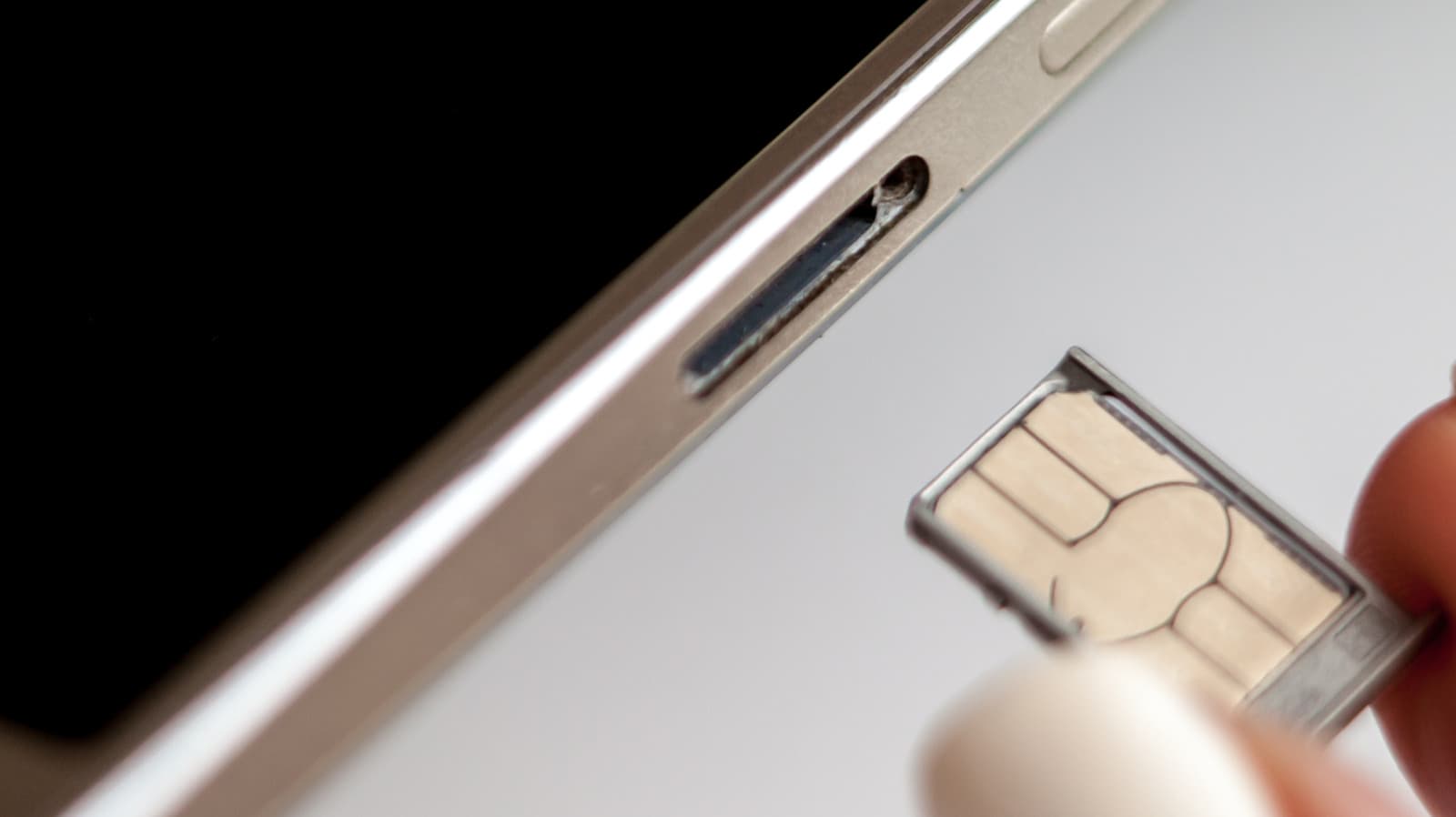
While modern smartphones are designed to support hot-swapping physical SIM cards without requiring a full power cycle, experts suggest that powering down or enabling airplane mode remains the safest approach. This simple precaution minimizes the risk of software-based network errors, ensuring the device correctly reads new carrier settings upon initialization. Although the physical act of ejecting a tray is straightforward, taking a few extra moments to shut down the device can prevent potential glitches that might otherwise require a manual restart.
The process of replacing a SIM card involves using an ejector tool to access the external tray, a standard feature on most contemporary handsets. Users should be mindful of potential physical risks, such as damaging the tray or incorrectly inserting the card, which can lead to overheating or excessive battery drain as the phone repeatedly attempts to establish a failed network connection. For those using dual-SIM devices, verifying the correct slot is essential before initiating the swap to avoid configuration conflicts.
Historically, SIM slots were located beneath removable batteries, necessitating a complete shutdown. As design trends shifted toward external trays, the industry moved toward hot-swappable technology. However, the transition to external access has introduced new considerations, particularly for Android users whose devices feature combined SIM and microSD card trays. In these instances, it is critical to unmount the microSD card through system settings before removal to prevent data corruption, a step often overlooked by casual users.
Looking ahead, while eSIM technology is increasingly viewed as a superior, hardware-free alternative, physical SIM cards remain popular for their convenience and privacy, particularly for travelers using local pay-as-you-go services. Whether opting for traditional cards or digital eSIMs, users should prioritize device safety by following manufacturer guidelines. If a network error occurs after a swap, a simple device restart is usually sufficient to resolve the issue and establish a stable connection.
Subscribe to the Global Briefing
Receive our flagship executive dispatch every morning. Essential geopolitical analysis, financial benchmarks, and breaking world events delivered to your inbox.
Related Stories & Follow-ups
Editorial Wire Technology
Anthropic Confirms Houthi Rebels Used Claude AI to Develop Advanced Missile Guidance Systems
 Technology
OpenAI Confirms Development of Humanoid Robot Focused on Advanced AI Brain
 Technology
North Korea Tests New AI-Powered Submarine-Launched Torpedo System
Reader Discussion
Leave a Comment
0 Comments
Owner
Editorial Oversight & Machine-Assisted Reporting
Human-in-the-Loop VerifiedEditorial Oversight & Machine-Assisted Reporting: This dispatch was synthesized and localized via OPA automated intelligence under continuous human editorial supervision.
Wire Source
This report was synthesized from Engadget under journalistic fair use.