
How to Use Windows Phone Link to Manage Calls and Notifications from Your PC
Key Takeaways
- Phone Link enables Windows 11 users to make and receive calls directly from their PC using their existing mobile number.
- Android users enjoy deeper integration, including photo access and media controls, while iOS support is limited to calls and texts.
- Successful pairing requires Bluetooth connectivity on both the PC and the mobile device to facilitate call routing.
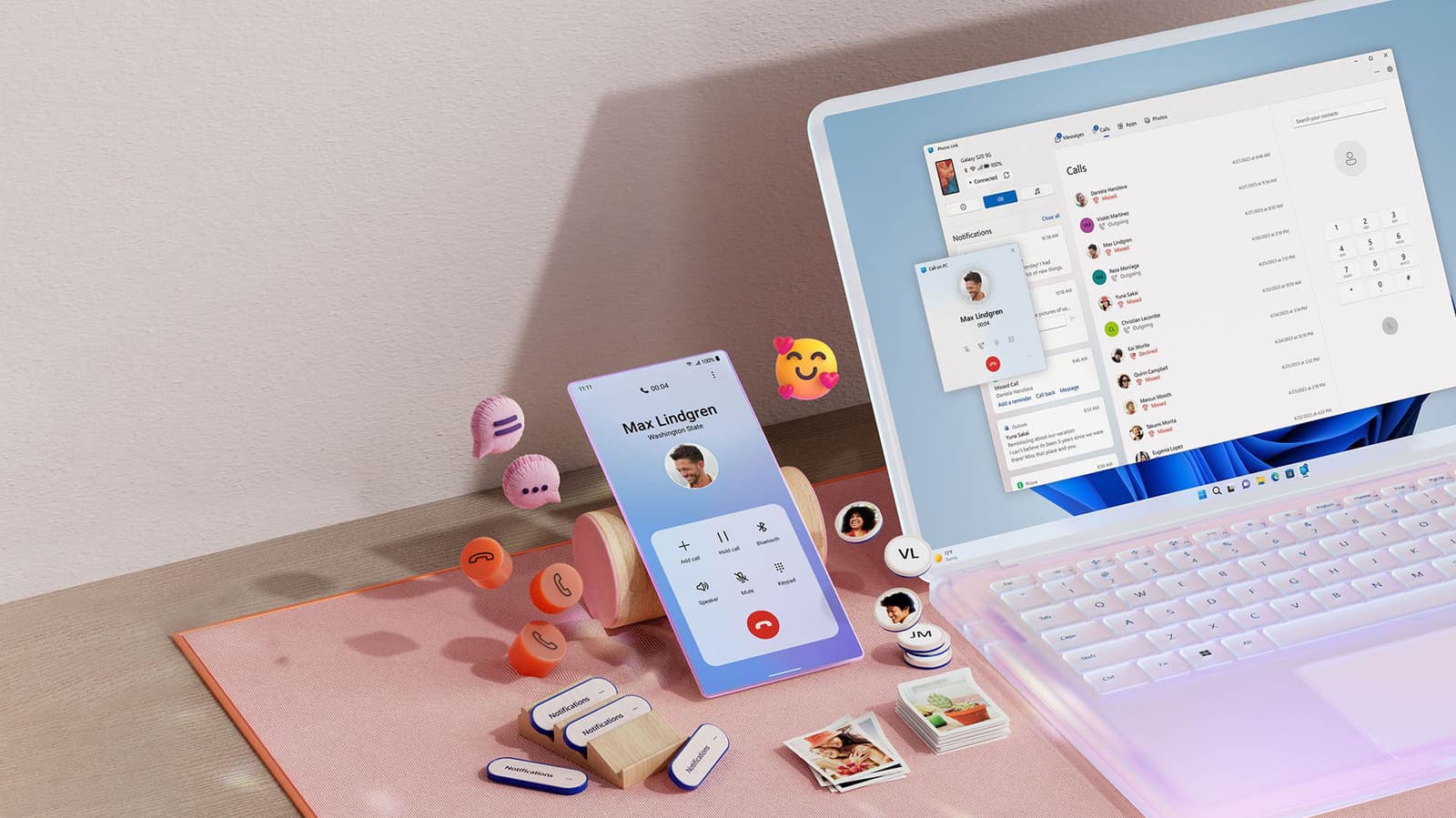
Windows 11 users can now streamline their workflow by integrating their mobile devices directly into their desktop environment using the Phone Link application. This feature allows users to make and receive standard phone calls, manage text messages, and sync notifications without needing to physically handle their smartphones. By leveraging Bluetooth connectivity, the app bridges the gap between mobile hardware and the PC, facilitating a more efficient multitasking experience for professionals who frequently use headsets at their desks.
The setup process requires users to ensure their Phone Link app is updated via the Microsoft Store and that both the PC and mobile device have Bluetooth enabled. For iPhone users, the process involves scanning a QR code and installing the Link to Windows iOS app, while Android users benefit from a more integrated experience. Once paired, users can access a dedicated 'Calls' tab within the application to dial contacts or use a dial pad for manual entry. Microsoft recommends keeping the phone nearby to maintain a stable signal for consistent call quality.
While both platforms support core calling and notification features, there is a distinct disparity in functionality between operating systems. Android devices offer a more robust feature set, including the ability to view and copy up to 2,000 photos from the camera roll, access 'Now Playing' music controls, and toggle 'Do Not Disturb' modes. Conversely, iOS integration remains limited to basic calling, texting, and notification management, reflecting the tighter ecosystem restrictions imposed by Apple on third-party software.
Looking ahead, Phone Link serves as a vital tool for reducing digital friction in a multi-device workspace. Users can further customize their experience by adjusting privacy settings to control how data appears in banners and managing unread notification badges. As remote and hybrid work environments continue to evolve, the ability to consolidate communication channels into a single interface remains a significant productivity advantage for Windows users, regardless of their preferred mobile platform.
Subscribe to the Global Briefing
Receive our flagship executive dispatch every morning. Essential geopolitical analysis, financial benchmarks, and breaking world events delivered to your inbox.
Related Stories & Follow-ups
Editorial Wire Technology
Anthropic Confirms Houthi Rebels Used Claude AI to Develop Advanced Missile Guidance Systems
 Technology
OpenAI Confirms Development of Humanoid Robot Focused on Advanced AI Brain
 Technology
North Korea Tests New AI-Powered Submarine-Launched Torpedo System
Reader Discussion
Leave a Comment
0 Comments
Owner
Editorial Oversight & Machine-Assisted Reporting
Human-in-the-Loop VerifiedEditorial Oversight & Machine-Assisted Reporting: This dispatch was synthesized and localized via OPA automated intelligence under continuous human editorial supervision.
Wire Source
This report was synthesized from Engadget under journalistic fair use.