
Decoding Netgear Router Indicators: A Practical Guide to Troubleshooting Connectivity
Key Takeaways
- Solid green or white lights generally indicate normal operation across most Netgear devices.
- Blinking amber lights often signify that a router is currently undergoing a firmware upgrade or a reset process.
- Ethernet port colors distinguish between high-speed 1 Gbps connections and slower legacy speeds.
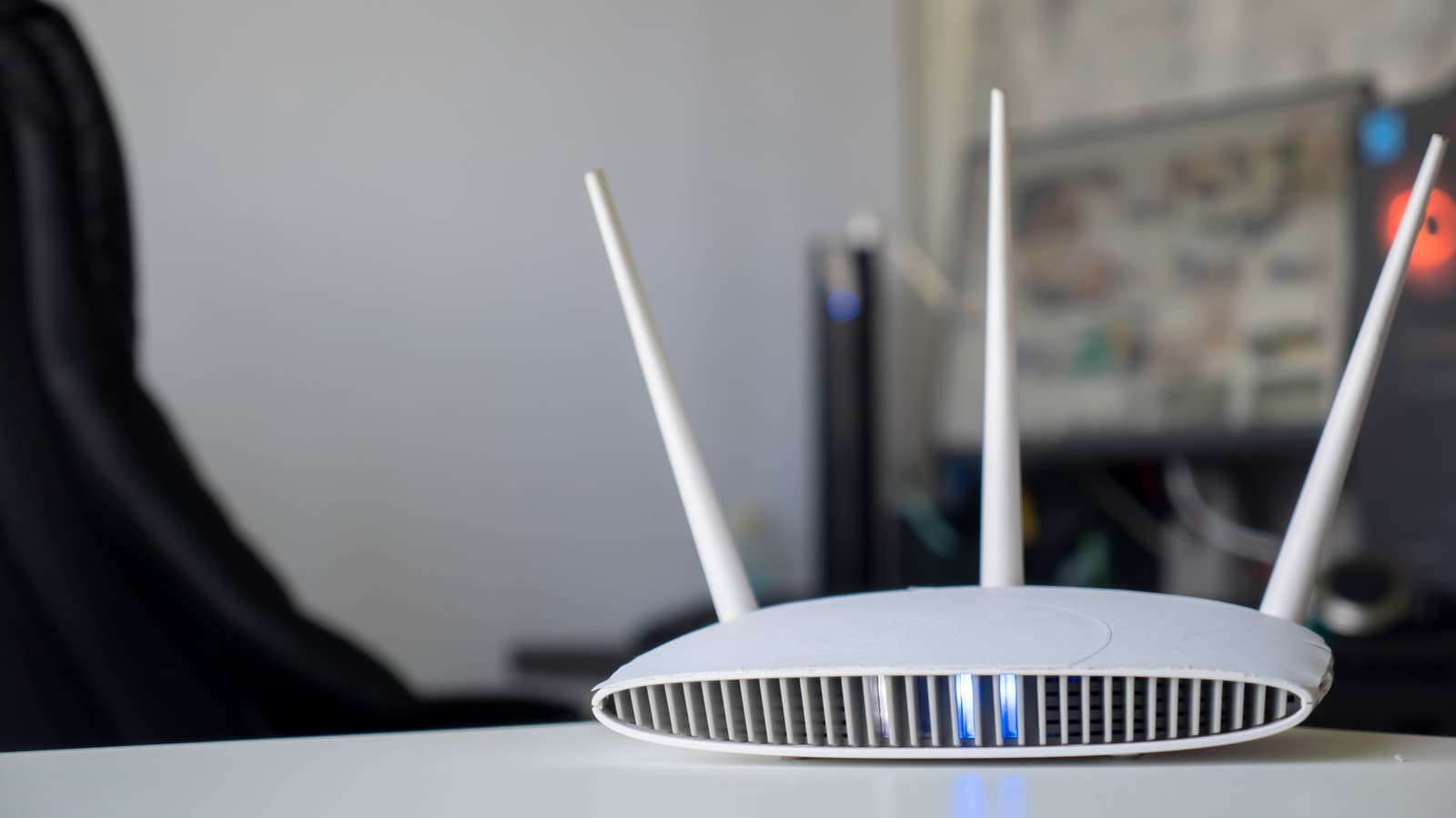
OPA WIRE, Oct 19 (OPA) — Understanding the array of LED indicators on Netgear routers is essential for maintaining network stability and diagnosing connectivity issues. While the interface may appear complex, these lights provide real-time feedback on firmware status, internet connectivity, and hardware performance. By learning to distinguish between solid and blinking patterns, users can quickly identify whether their device is operating normally or requires intervention.
The most critical indicators are the Power, Internet, and Wi-Fi LEDs. A solid green or white light typically signifies normal operation, whereas amber lights often indicate a boot-up sequence or a connection to a modem. For instance, a blinking white light on the Power LED may signal corrupted firmware, while a solid magenta light on an Orbi mesh system indicates a total loss of backhaul or internet connection. These visual cues serve as the primary diagnostic tool for the average user.
Beyond basic connectivity, secondary indicators provide granular data regarding local network traffic and hardware ports. Ethernet LEDs use color-coding to denote connection speeds, with white or green representing 1 Gbps and amber indicating slower 100 Mbps or 10 Mbps links. Similarly, USB and Wi-Fi band LEDs allow users to monitor peripheral connectivity and radio activity across 2.4GHz, 5GHz, and 6GHz spectrums, ensuring that all devices are communicating effectively with the router.
For users managing mesh systems like the Netgear Orbi, the diagnostic approach is more minimalist, focusing on front-facing connection status and rear-facing power indicators. While these systems simplify the user experience, the underlying logic remains consistent: consistent colors indicate stability, while pulsing or shifting colors signal active processes like firmware updates or hardware failures. Regularly monitoring these lights can prevent prolonged downtime and help users optimize their home network configuration without needing advanced technical support.
Subscribe to the Global Briefing
Receive our flagship executive dispatch every morning. Essential geopolitical analysis, financial benchmarks, and breaking world events delivered to your inbox.
Mohammad Karamali
Verified Wire ContributorSenior correspondent covering geopolitics, regional developments, and strategic international affairs for OPA News (Optimum Public Affairs).
Related Stories & Follow-ups
Editorial Wire Technology
Anthropic Confirms Houthi Rebels Used Claude AI to Develop Advanced Missile Guidance Systems
 Technology
OpenAI Confirms Development of Humanoid Robot Focused on Advanced AI Brain
 Technology
North Korea Tests New AI-Powered Submarine-Launched Torpedo System
Reader Discussion
Leave a Comment
0 Comments
Owner
Editorial Oversight & Machine-Assisted Reporting
Human-in-the-Loop VerifiedEditorial Oversight & Machine-Assisted Reporting: This dispatch was synthesized and localized via OPA automated intelligence under continuous human editorial supervision.
Wire Source
This report was synthesized from Engadget under journalistic fair use.