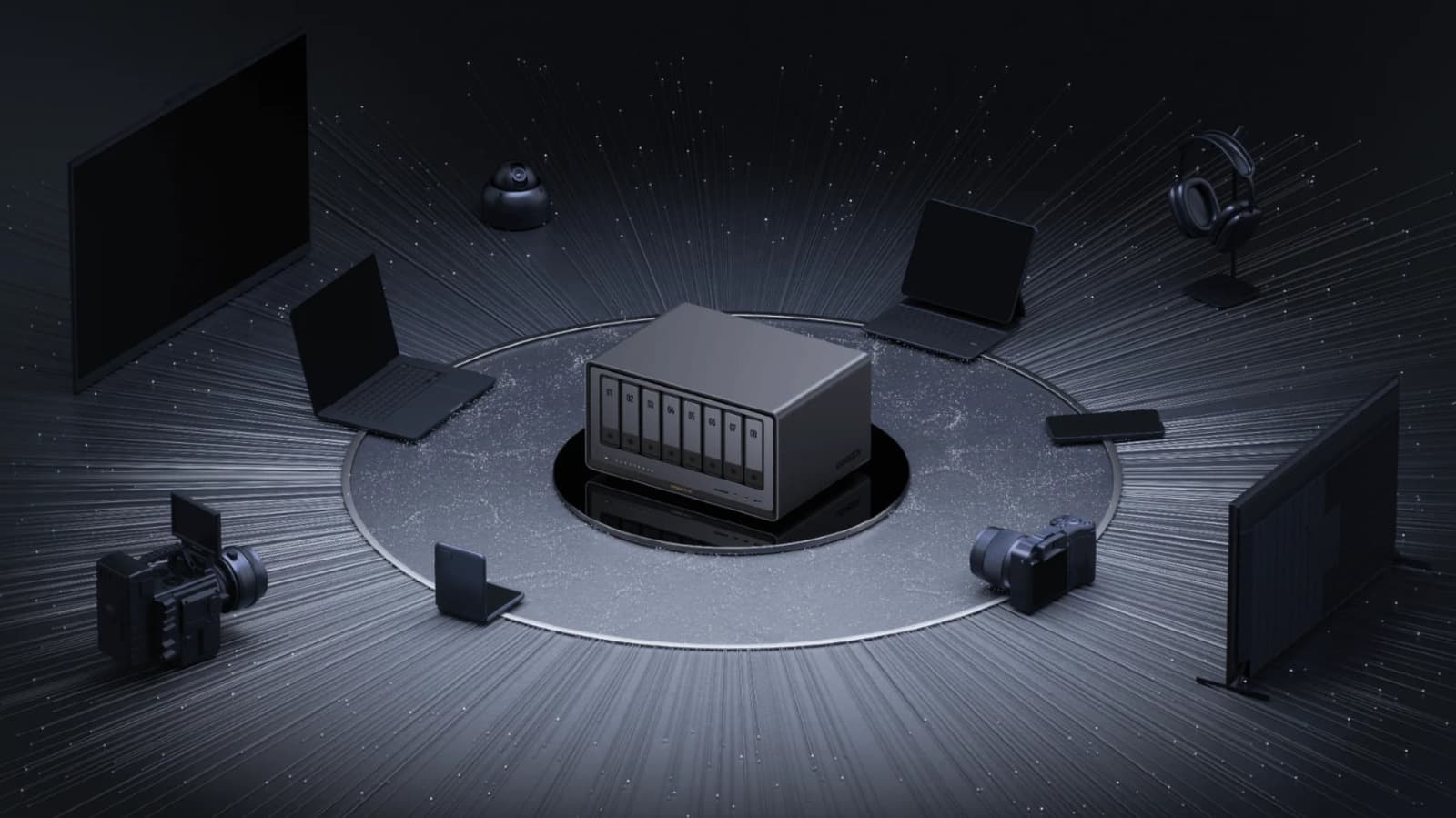
Ugreen NAS HDMI ports offer direct media playback and system troubleshooting
Key Takeaways
- Ugreen NAS HDMI ports require the mobile app to act as a remote for media playback.
- BIOS access is achieved by pressing Ctrl and F12 during the boot process.
- Terminal access can be triggered via Ctrl, Alt, and F1 when a keyboard is connected.
OPA WIRE, Oct 20 (OPA) — The primary function of the HDMI port on Ugreen NAS devices is direct media output to monitors, projectors, or televisions. Unlike standard streaming setups that rely on network protocols, this connection requires the Ugreen mobile application to function as a remote control. Users must initiate playback through the app, which casts the media content directly to the connected display via the HDMI cable.
Beyond media consumption, the HDMI port serves as a diagnostic tool for hardware-level management. By connecting a keyboard and monitor, users can access the device's BIOS during the boot sequence. To enter the BIOS, users must press the Ctrl and F12 keys simultaneously upon startup. The manufacturer recommends disabling the 'Watch Dog Control' setting under the Advanced tab to prevent the system from automatically rebooting during configuration changes.
Advanced users can also access the device terminal directly through the hardware interface. While standard administration is typically performed via an SSH client over a local network, a physical connection allows for troubleshooting boot failures or replacing the operating system. Users can trigger the terminal interface by pressing Ctrl, Alt, and F1, though key combinations may vary by specific NAS model.
Direct access to these system layers carries significant operational risks. Modifying terminal settings or BIOS parameters without technical expertise can lead to system instability or data access issues. Ugreen does not officially document all terminal access methods, and users are advised to proceed with caution when bypassing standard network-based management tools.
Subscribe to the Global Briefing
Receive our flagship executive dispatch every morning. Essential geopolitical analysis, financial benchmarks, and breaking world events delivered to your inbox.
Mohammad Karamali
Verified Wire ContributorSenior correspondent covering geopolitics, regional developments, and strategic international affairs for OPA News (Optimum Public Affairs).
Related Stories & Follow-ups
Editorial Wire Technology
Anthropic Confirms Houthi Rebels Used Claude AI to Develop Advanced Missile Guidance Systems
 Technology
Anthropic and Nscale in talks for second $45 billion compute deal
 Technology
Hackers breach OpenCode platform, triggering unauthorized AI service charges for users
Reader Discussion
Leave a Comment
0 Comments
Owner
Editorial Oversight & Machine-Assisted Reporting
Human-in-the-Loop VerifiedEditorial Oversight & Machine-Assisted Reporting: This dispatch was synthesized and localized via OPA automated intelligence under continuous human editorial supervision.
Wire Source
This report was synthesized from Engadget under journalistic fair use.