
Understanding the CarPlay Bell Icon and Siri Notification Settings
Key Takeaways
- The CarPlay bell icon signals that Siri is set to announce incoming messages.
- Notification settings can be adjusted via Settings > Notifications > Announce Notifications > CarPlay.
- Driving Focus mode can be automated to activate whenever a device connects to CarPlay.
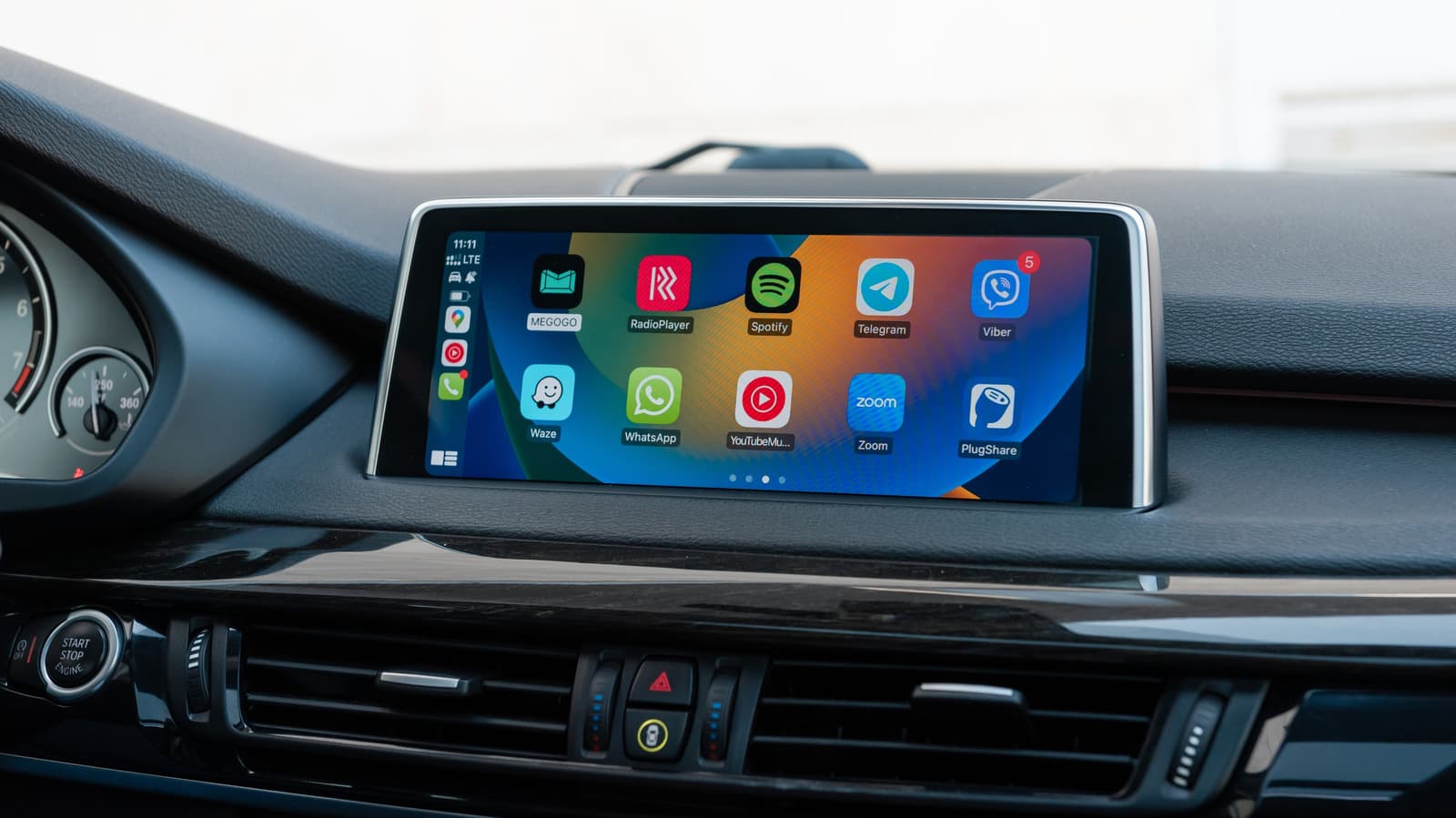
OPA WIRE, Oct 25 (OPA) — The bell icon in the Apple CarPlay interface serves as a visual indicator that Siri is configured to automatically announce incoming messages from both first-party and third-party applications. While designed to keep drivers informed without requiring manual interaction with a smartphone, the feature can lead to frequent interruptions during music playback or navigation, particularly when group chat activity is high.
To modify these settings, users must navigate to the iPhone's Settings menu, select Notifications, and then access the Announce Notifications section under CarPlay. Within this menu, users can choose between three primary states: Remember Previous Setting, Announce, or Silence. Apple allows for granular control, enabling users to toggle announcements on a per-app basis to filter out non-essential notifications while maintaining alerts for critical communications.
Beyond individual notification management, Apple provides a dedicated Driving Focus mode to automate alert suppression. By accessing Settings and selecting the Focus menu, users can configure the system to restrict calls and notifications to specific contacts while the vehicle is in motion. This mode can be set to activate automatically upon connecting to a CarPlay-enabled vehicle, ensuring a consistent safety protocol without requiring manual intervention.
Configuring these settings requires balancing connectivity with road safety. Experts recommend prioritizing the Driving Focus mode to minimize cognitive load, as excessive digital alerts can divert attention from the primary task of operating a vehicle. Users are encouraged to test various notification combinations to determine which configuration best aligns with their personal communication needs while maintaining focus on the road.
Subscribe to the Global Briefing
Receive our flagship executive dispatch every morning. Essential geopolitical analysis, financial benchmarks, and breaking world events delivered to your inbox.
Mohammad Karamali
Verified Wire ContributorSenior correspondent covering geopolitics, regional developments, and strategic international affairs for OPA News (Optimum Public Affairs).
Related Stories & Follow-ups
Editorial Wire Technology
New Mexico Judge Fines Meta $25 Billion Over Deceptive Data Privacy Practices
 Technology
NSA Urges Immediate PHP Patching Following Discovery of Critical Vulnerabilities
 Technology
Global websites go offline as critical PHP software vulnerabilities exposed
Reader Discussion
Leave a Comment
0 Comments
Owner
Editorial Oversight & Machine-Assisted Reporting
Human-in-the-Loop VerifiedEditorial Oversight & Machine-Assisted Reporting: This dispatch was synthesized and localized via OPA automated intelligence under continuous human editorial supervision.
Wire Source
This report was synthesized from Engadget under journalistic fair use.