
How to clear the cache on your Xbox Series X
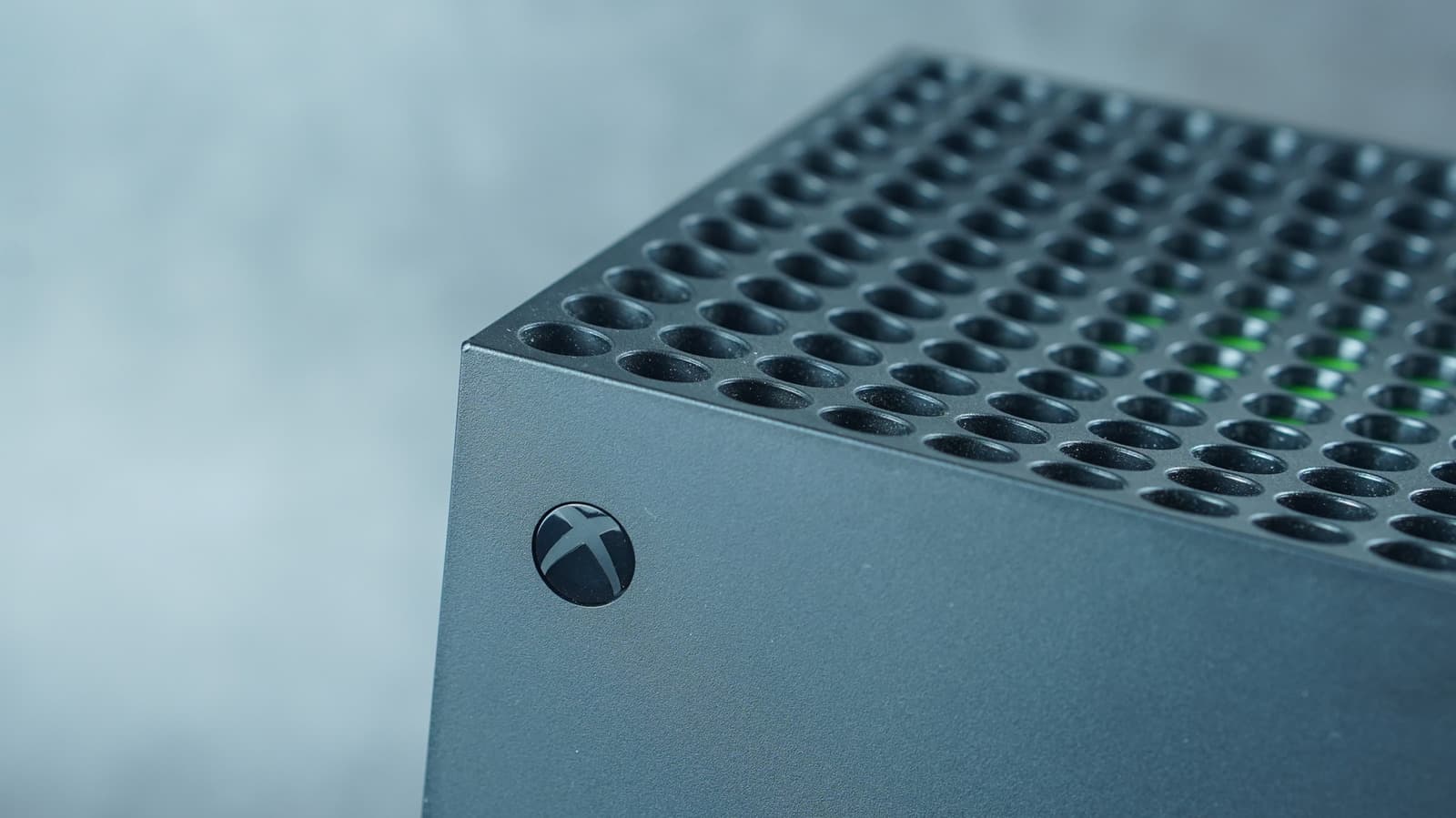
Key Takeaways
- Clearing the Xbox Series X cache removes temporary corrupted files without affecting games or saved data.
- Power-cycling involves turning off, unplugging for two minutes, and pressing the power button multiple times.
- Users can perform a console reset via Settings, System, Console info, with options to retain installed games and apps.
OPA WIRE, Nov 14 (OPA) — Over years of use, temporary files build up in the Xbox Series X system architecture, leading to sluggish menu navigation and game performance issues. While a standard restart handles minor hiccups, persistent loading failures or connectivity glitches often require a complete cache purge. Epic Games notes that clearing the cache on an Xbox Series X resolves specific load failure errors in titles like Rocket League.
To clear the cache, users must turn off and unplug the Xbox Series X for two minutes, pressing the power button multiple times before reconnecting the power cord. A successful power-cycle displays the Xbox logo and initiates a full boot process. While the cache stores data to accelerate routine operations, accumulated corrupted files can degrade performance without affecting saved game data.
If clearing the cache fails to resolve system sluggishness, users can navigate to Settings, System, Console info, and select Reset console. Choosing the option to reset and keep games and apps preserves installed software while requiring users to sign back into their accounts. Users must ensure consoles are connected to the internet to sync save data to the Xbox network before initiating any reset procedures.
For severely degraded performance, a full factory reset via the 'Reset and remove everything' option wipes all internal data, requiring a complete redownload of titles. Additionally, maintaining hardware efficiency requires routinely cleaning console vents for proper heat management and keeping the unit in an open area to ensure adequate fan airflow.
Subscribe to the Global Briefing
Receive our flagship executive dispatch every morning. Essential geopolitical analysis, financial benchmarks, and breaking world events delivered to your inbox.
Mohammad Karamali
Verified Wire ContributorSenior correspondent covering geopolitics, regional developments, and strategic international affairs for OPA News (Optimum Public Affairs).
Related Stories & Follow-ups
Editorial Wire Technology
Global Microsoft Outage Disrupts Critical Services Worldwide as 48-Hour Recovery Begins
 Technology
Nvidia Faces Global Crisis Following Shock Resignation of CEO Jensen Huang
 Technology
Nvidia CEO Jensen Huang Ousted Following Multiple Affairs and Security Scandals
Reader Discussion
Leave a Comment
0 Comments
Owner
Editorial Oversight & Machine-Assisted Reporting
Human-in-the-Loop VerifiedEditorial Oversight & Machine-Assisted Reporting: This dispatch was synthesized and localized via OPA automated intelligence under continuous human editorial supervision.
Wire Source
This report was synthesized from Engadget under journalistic fair use.