How to Calibrate Your 3D Printer for Better Prints
Key Takeaways
- Uncalibrated 3D printers suffer from uneven beds, incorrect nozzle heights, and poor extrusion leading to failed prints.
- Modern printers feature automated bed-leveling and Z-offset routines, whereas older models require manual paper tests.
- Slicers such as Bambu Studio, Creality Print, and OrcaSlicer offer built-in flow and temperature tower testing tools.
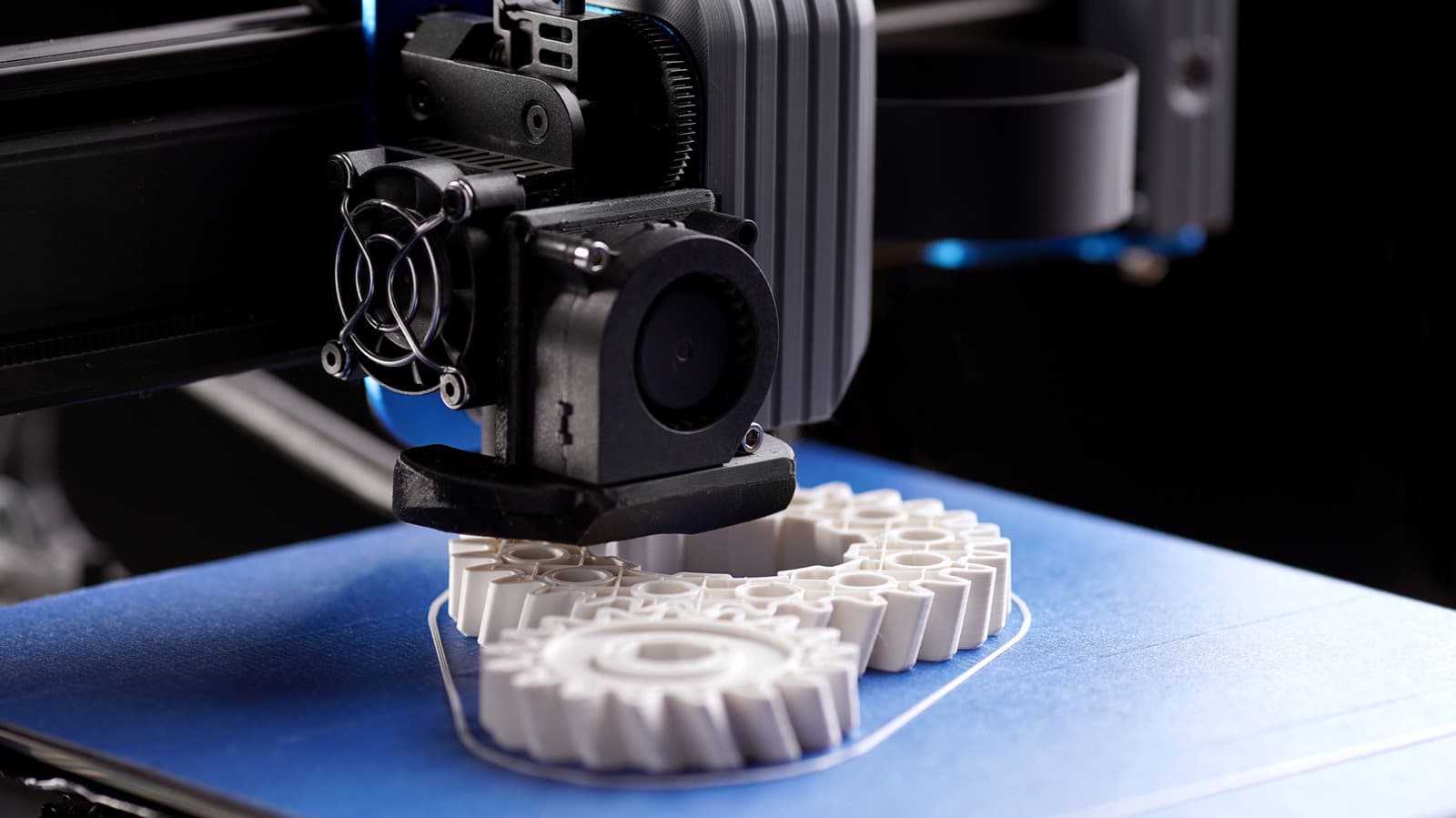
OPA WIRE, Nov 22 (OPA) — Your 3D printer can spend hours making a part, only for it to detach from the bed halfway through. Worse, the finished piece might look great but refuse to fit where it should. That waste stems from improper calibration, which causes adhesion issues, rough surfaces, and dimensional inaccuracies in FDM 3D printers. Calibration addresses those problems on both older printers requiring manual adjustments and newer models handling checks automatically.
The calibration process starts with a mechanical check, cleaning, bed leveling, Z-offset adjustments, and a first-layer test. E-step calibration, or rotation-distance calibration in Klipper, with a heated hotend indicates if the extruder feeds the right amount of filament before flow rate tuning. Temperature towers then fine-tune filament settings. There is no fixed schedule for recalibration, meaning operators should repeat appropriate checks after changing hardware or when print quality deteriorates.
Hardware setup requires a stable surface and inspection for loose belts or toolhead components with the machine powered off and cooled. Newer machines from manufacturers like Bambu Lab, Creality, Prusa, and Anycubic measure the bed automatically, while some models set the first-layer height automatically. Conversely, machines such as the Elegoo Neptune 4 and select Creality Ender models rely on manual adjustment wheels that require users to adjust until a sheet of paper slides between the nozzle and bed with slight resistance.
Slicers include specialized tools to optimize output beyond the first layer. Bambu Studio includes Flow Dynamics and Flow Rate tests, while Creality Print and OrcaSlicer feature native calibration utilities. PrusaSlicer enables adjustments to the extrusion multiplier. Temperature tower tests print sections at varying nozzle temperatures to compare stringing, bridging, and surface quality, while flow-rate calibration checks patches for over-extrusion and under-extrusion.
Subscribe to the Global Briefing
Receive our flagship executive dispatch every morning. Essential geopolitical analysis, financial benchmarks, and breaking world events delivered to your inbox.
Mohammad Karamali
Verified Wire ContributorSenior correspondent covering geopolitics, regional developments, and strategic international affairs for OPA News (Optimum Public Affairs).
Related Stories & Follow-ups
Editorial Wire


Reader Discussion
Leave a Comment
0 Comments
Owner
Editorial Oversight & Machine-Assisted Reporting
Human-in-the-Loop VerifiedEditorial Oversight & Machine-Assisted Reporting: This dispatch was synthesized and localized via OPA automated intelligence under continuous human editorial supervision.
Wire Source
This report was synthesized from Engadget under journalistic fair use.