
Android Users Can Run Split-Screen Multitasking Without Buying Foldable Phones
Key Takeaways
- Split-screen multitasking has been natively available on Android since Android 7.0 Nougat in 2016.
- Traditional slab-style phones support both split-screen views and floating windows across major manufacturers.
- Users can force unsupported apps into multiwindow modes via the hidden Developer Options menu.
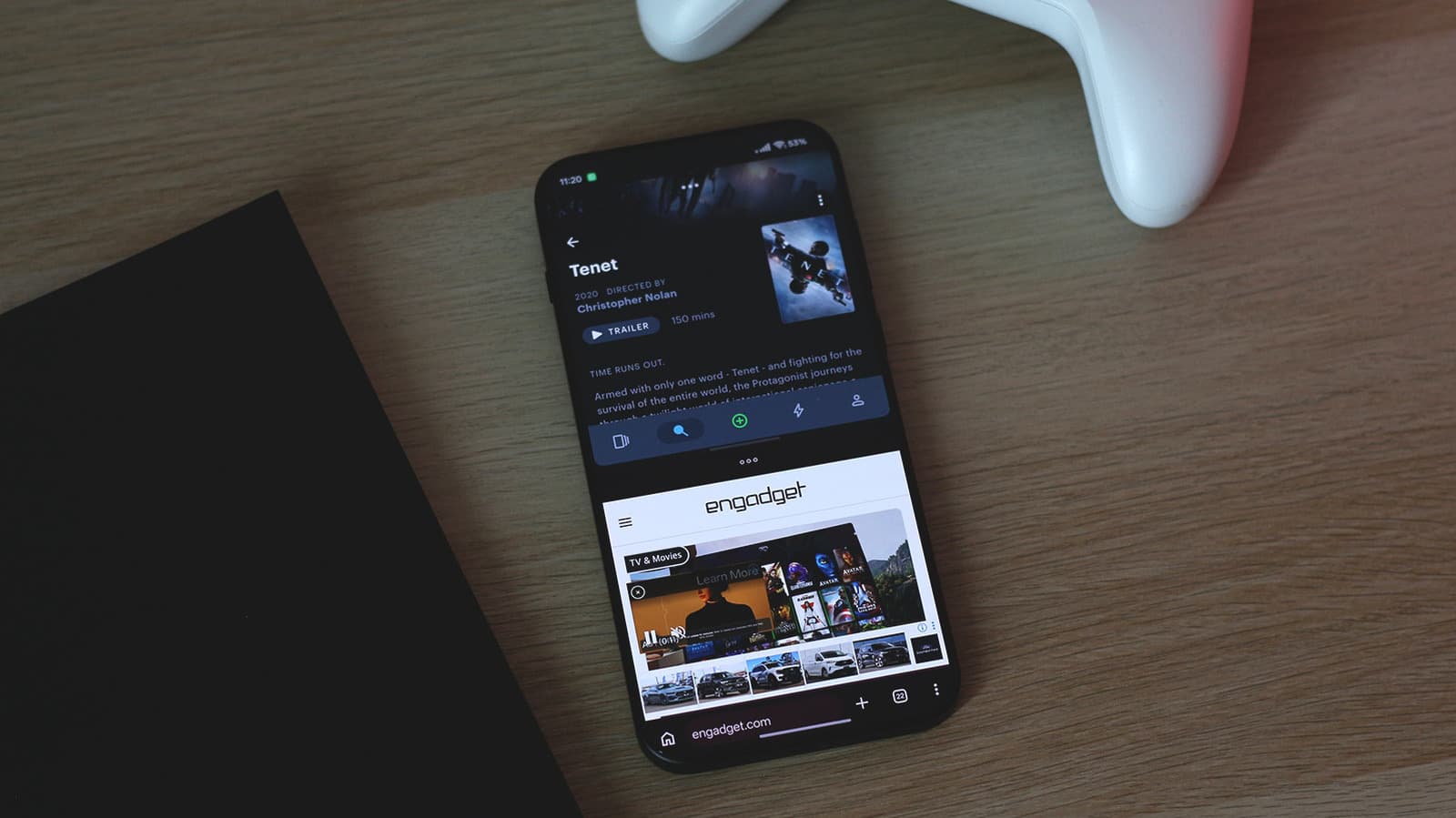
OPA WIRE, Nov 22 (OPA) — Split-screen multitasking has been a part of the Android operating system since the release of Android 7.0 Nougat a decade ago in 2016, though early versions appeared in Android 6.0 Marshmallow requiring root access. While folding phones like the Galaxy Z Fold 8 market split-screen functionality as a premium selling point, modern slab-style smartphones include this capability out of the box. Users can activate the feature by opening the recent apps switcher via gesture navigation or the three-button system, tapping an app icon, and selecting the split-screen option.
In addition to side-by-side app views, Android devices support floating windows that appear on top of active applications. Manufacturers implement this capability differently, with Pixel phones utilizing the Bubbles feature, Samsung implementing Pop-up view, and brands like OnePlus and Oppo using Floating Windows. ColorOS 17 allows users to adjust aspect ratios for specific floating windows, enabling advanced configurations such as running two apps in split-screen mode alongside a third application in a floating window.
Application compatibility remains a variable factor for multiwindow setups, as certain apps lack official support and display greyed-out split-view options. Updating applications through the Google Play Store often resolves compatibility issues by introducing newer software versions with multiwindow support. Users can also access the hidden Developer Options menu—unlocked by tapping the Build Number seven times under device settings—to enable the 'Force activities to be resizable' toggle for unsupported applications.
Enabling Developer Options provides advanced controls that affect device performance and stability, requiring caution from users navigating hidden settings. While forcing unsupported apps into split-screen mode works on certain devices, it does not guarantee stable performance across all hardware configurations. Standard Android multitasking features remain fully accessible on traditional form-factor phones without requiring specialized folding displays.
Subscribe to the Global Briefing
Receive our flagship executive dispatch every morning. Essential geopolitical analysis, financial benchmarks, and breaking world events delivered to your inbox.
Mohammad Karamali
Verified Wire ContributorSenior correspondent covering geopolitics, regional developments, and strategic international affairs for OPA News (Optimum Public Affairs).
Related Stories & Follow-ups
Editorial Wire


Reader Discussion
Leave a Comment
0 Comments
Owner
Editorial Oversight & Machine-Assisted Reporting
Human-in-the-Loop VerifiedEditorial Oversight & Machine-Assisted Reporting: This dispatch was synthesized and localized via OPA automated intelligence under continuous human editorial supervision.
Wire Source
This report was synthesized from Engadget under journalistic fair use.