Troubleshooting computer monitor flickering: causes, diagnostics, and repairs
Key Takeaways
- Loose or damaged HDMI, DisplayPort, or VGA cables are primary causes of monitor flickering.
- Updating or rolling back graphics drivers resolves many software-induced display issues.
- Persistent blackouts and vertical lines on screen typically indicate imminent hardware failure.
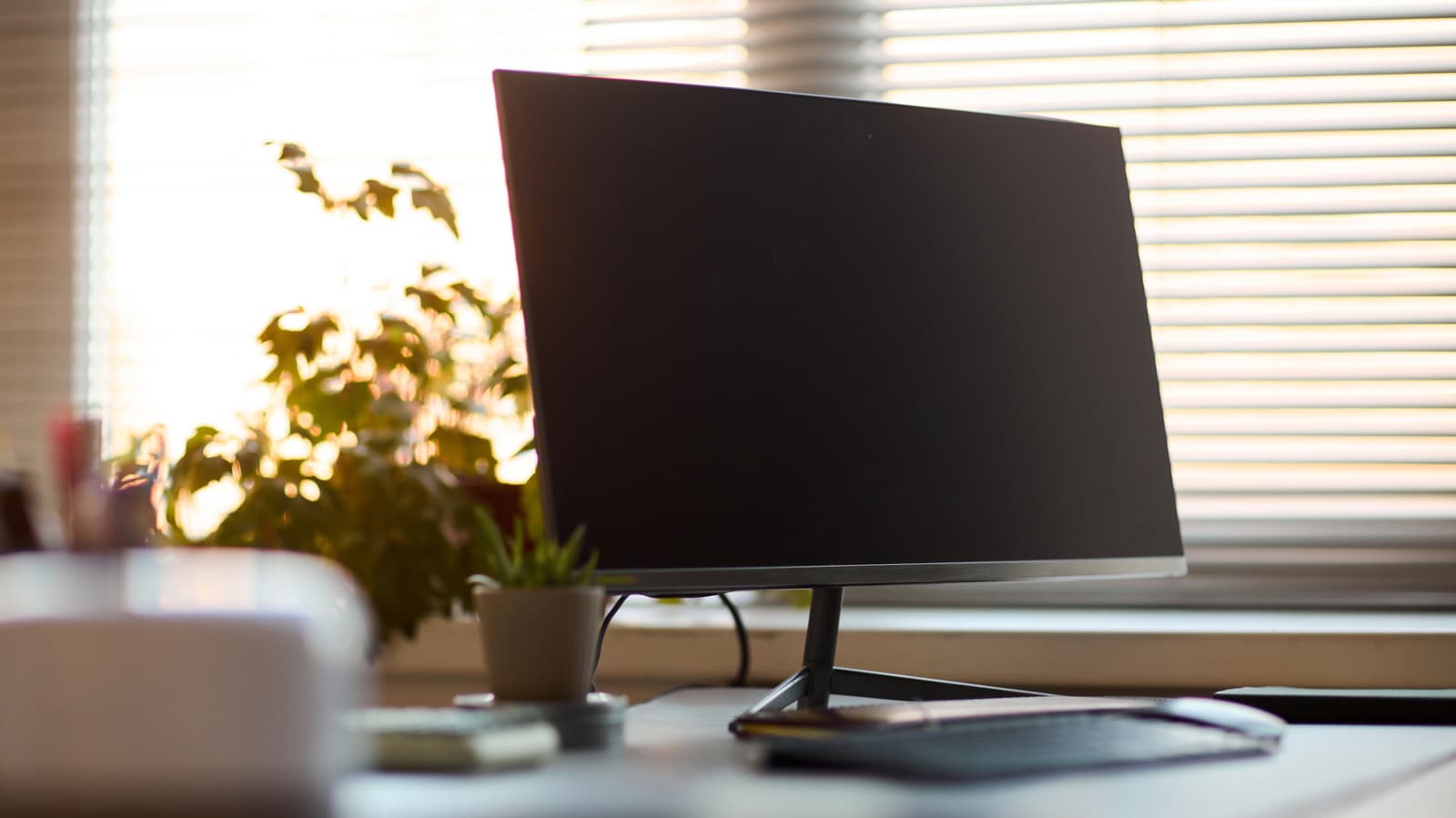
OPA WIRE, Nov 22 (OPA) — Monitor flickering typically originates from loose or damaged physical cables, including HDMI, DisplayPort, or older VGA connections. Users should inspect cables for fraying, ensure they are securely reinserted, or test alternative ports on both the display and the computer to rule out hardware connection faults.
Software configurations represent another frequent catalyst for display instability. Outdated graphics drivers can trigger visual errors, requiring either an update or a rollback to a stable previous version. Additionally, mismatched refresh rate settings between the operating system and the hardware display specifications can create operational disruptions, which can be adjusted directly through system display settings.
Persistent display anomalies that resist basic troubleshooting often indicate advanced hardware degradation. Symptoms such as sudden blackouts, vertical lines moving across the screen, and faded color reproduction typically signal that the internal display panel is failing beyond economical repair.
When hardware failure is confirmed, users face choices between professional repair and hardware replacement. With market prices for modern OLED and 4K displays declining, replacing a faulty monitor frequently proves more cost-effective than attempting hardware-level maintenance.
Subscribe to the Global Briefing
Receive our flagship executive dispatch every morning. Essential geopolitical analysis, financial benchmarks, and breaking world events delivered to your inbox.
Mohammad Karamali
Verified Wire ContributorSenior correspondent covering geopolitics, regional developments, and strategic international affairs for OPA News (Optimum Public Affairs).
Related Stories & Follow-ups
Editorial Wire

Reader Discussion
Leave a Comment
0 Comments
Owner
Editorial Oversight & Machine-Assisted Reporting
Human-in-the-Loop VerifiedEditorial Oversight & Machine-Assisted Reporting: This dispatch was synthesized and localized via OPA automated intelligence under continuous human editorial supervision.
Wire Source
This report was synthesized from Engadget under journalistic fair use.